Announcements
MySiteSure is live on Product Hunt: a pre-ship check for vibe-coded sites

Today MySiteSure goes live on Product Hunt, at 00:01 Pacific time (16:01 in Beijing). The one-line pitch is the one on the listing: the pre-ship site check built for vibe coders. The longer version is below, along with why we think this kind of check matters more this month than it did a year ago.
The preview tab lies by omission
If you build with Cursor, Lovable, Bolt or v0, you know the moment. The preview renders, the buttons work, the copy reads fine. It feels done.
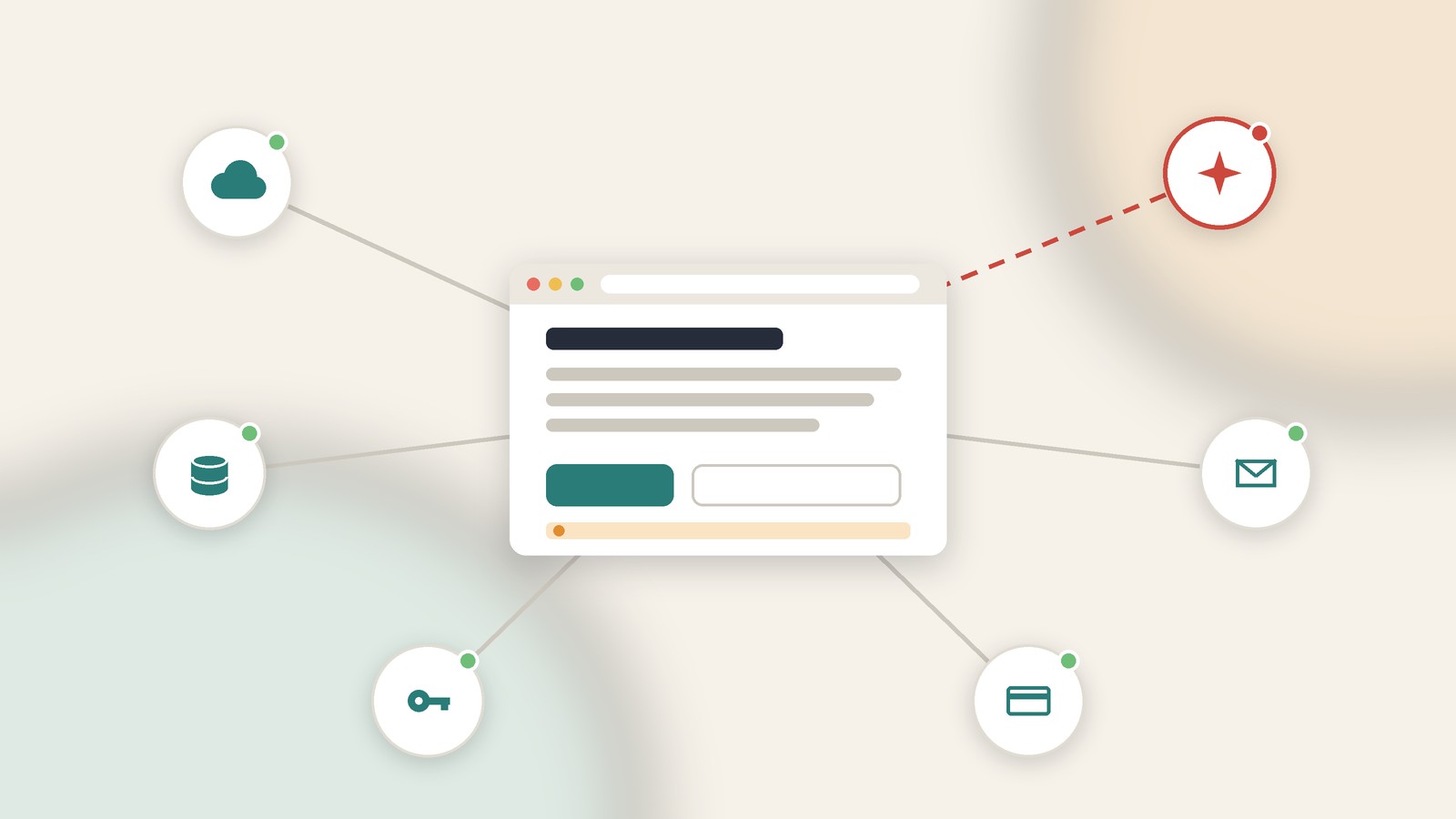
What the preview can't show you is what a stranger, a search crawler or an AI answer engine gets when it requests your URL cold. That means the raw HTML, the response headers, and the JavaScript bundle that anyone can open with view-source. The preview is your view of the site. Everyone else gets the deployed files.
Most launch-week embarrassments live in that gap. Rarely in the features. Almost always in the stuff around them.
What the last three weeks looked like
Early November gave a clear picture of how this goes wrong, at several different scales.
On November 2, Handelsblatt reported research from the German firm Crissy Field, which examined 159,041 Lovable projects found in Common Crawl. Of those, 24,664 sites sent Supabase database records on page load without any login, and on 7,403 of them the researchers found tables containing email addresses. Crissy Field is careful to say that 30% is not a confirmed leak rate, since some of those addresses are public contacts or test data. The individual cases it lists are not ambiguous, though: passport details, ticket and payment records, more than 200,000 chat messages from one forum. The full methodology is in the Crissy Field report.
A smaller study from ShipSniffer went looking for live secret keys on public vibe-coded sites between October 21 and November 13. It confirmed 157 sites with a working key, and 154 of them were OpenAI keys. The detail that stuck with us: 45 keys were sitting in index.html and 40 in a file named script.js. Nobody broke in. The key was simply in the page. Their write-up walks through the usual path, which starts with a tutorial-style fetch call that works in the demo.
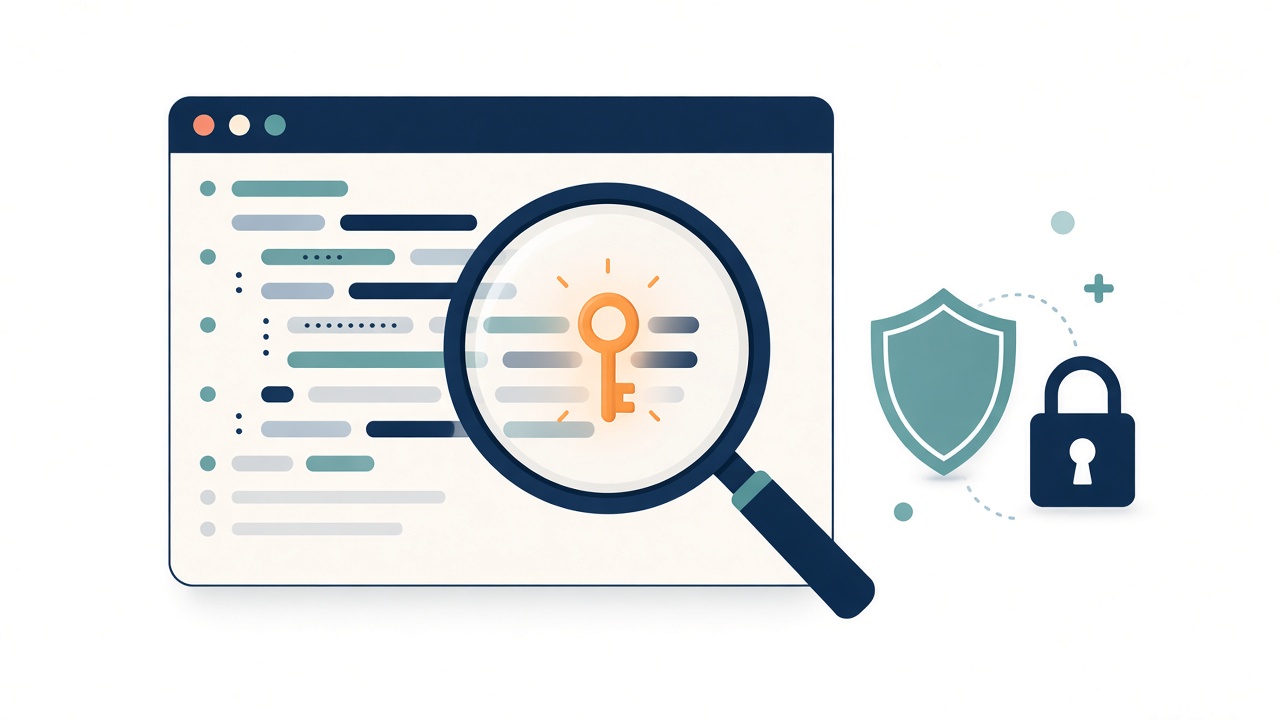
On November 5, Microsoft Threat Intelligence published a report on attackers using an agentic framework called ARTEX to search public GitHub repositories for secrets and then use them to sign in to cloud accounts. In one case an agent went from searching GitHub to pulling data out of Azure Key Vault in five minutes. Microsoft's advice is blunt: once a secret has been public, treat it as compromised, even if you have since deleted the file, because it keeps working until it is revoked. The details are on the Microsoft Security Blog.
And GitBook, which plenty of indie projects use for docs, disclosed that an attacker got into its systems on November 2 through a flaw in its SSO login flow and a misconfigured GitHub App, eventually reaching a Cloudflare API key and production secrets. Containing it took the app offline for about 16 hours, and customers were asked to replace API tokens and integration secrets. GitBook's incident report is worth reading for the timeline alone.
Same lesson every time. The gap between someone making a mistake in public and someone automating the search for it is now very short. Launch day, when you post your URL in ten places at once, is exactly when that gap matters most.
What MySiteSure actually checks
You give it a URL you own or are authorized to test. It runs a bounded scan, with no port sweeps and no attack payloads, and scores the site across five dimensions: reliability, security, performance, SEO and trust. Evidence comes from Lighthouse, DNS, TLS, security headers, page metadata, robots.txt, sitemap.xml and related checks. The raw evidence stays visible in the report, so you can see why something was flagged instead of taking a number on faith.
In practice that covers the dull things that bite on launch day. Security headers your template never set. A canonical tag still pointing at the preview domain. A robots.txt copied over from staging that blocks everything. Social previews that show a grey box when your launch post gets shared. GEO signals such as llms.txt and structured data, which shape how AI answer engines read your page. Missing privacy and terms pages, which cost more trust than most builders expect.
We want to be clear about scope. MySiteSure reads what the public can read. It is not a penetration test, and it will not sign in to your Supabase project to test row level security. For that part, open a private window, stay signed out, and call your own data API. Then sign in as a second account and try to read the first account's rows. It takes ten minutes and covers the exact failure behind the Crissy Field findings.
The fix brief is the point
Every finding comes with a fix brief written to be pasted into your coding assistant. You built the site by talking to an AI, so you should be able to fix it the same way. Paste the brief into Cursor or whatever you use, let it make the change, deploy, then rescan to confirm the finding is gone. A score you can move and verify beats a PDF of red items you will never open again.
Two other pieces ship alongside the check. The competitor benchmark, on paid plans, puts your site next to up to four others on the same five-dimension baseline. It does not estimate anyone's traffic. It compares public health signals, which is useful the week before a launch when you want to know whether the obvious alternatives handle basics you skipped.
The creation studio is for when the site is healthy and the problem is that nobody can find it. Start from a topic, review an outline, and work on an article draft for your site. It doesn't need a scan to get going, and it doesn't publish anything on your behalf.
Pricing, plainly
You can run a single-page check from the homepage without signing up. It looks at one public page's HTML and response headers and shows partial security and SEO findings. It is a quick read, not the full five-dimension score.
The Free plan costs $0 and gives you one scan a day after signup, with a partial report preview. Pro is $20 a month for 20 scans a day, deep checks, 90-day history, full PDF reports, public share links and AI writing, with 300 credits a month. Ultra is $60 a month for 100 scans a day, 1,200 credits, and branded PDFs and sharing for client work. The pricing page has the full breakdown, and the FAQ covers scan limits and how data is handled.
Before you post your own launch link
With or without our tool, here is the pass we would run on any vibe-coded site before sharing it:
- View source on the live homepage and open the main script. Search for
sk-,keyandsecret. If an AI API key is there, revoke it first, then move the call to a server route. - Load
/robots.txtand/sitemap.xmlon the production domain, not the preview one. - Check that the canonical URL on every key page points at production.
- Paste your link into a chat app and look at the preview card a stranger will see.
- Sign out and hit your data API directly, then repeat as a second user.
Find us on Product Hunt
MySiteSure is on Product Hunt today as MySiteSure. If you run a check on your own site, tell us where it was wrong as well as where it was right: a finding that turned out to be noise, a check you expected and didn't see, a fix brief your assistant couldn't act on. Leave it in the Product Hunt comments, or write to support@mysitesure.com.