Reliability
Last week's outages and the dependency check your launch needs
Between November 12 and 17, Microsoft 365, Anthropic's Claude, AWS us-east-1 and Apple's online services all had serious outages, alongside the FAA, Workday, Chase and United. Downdetector logged 6.4 million US reports in the seven days ending November 17, about four times a normal week, Fortune reported. Mark Giles of Ookla, Downdetector's parent company, told Fortune it looks mostly like coincidence, and nobody has published evidence that the failures were connected.
So this is not a post about the cloud being fragile. It's about something that hit plenty of small apps last week without making headlines: the product went down, or half down, because a service it leans on did. If you're about to launch, that deserves an afternoon.
What broke for people building small apps
Three incidents from that week matter most if you ship AI-built web apps.
On Friday, November 13, Anthropic's status page shows elevated errors on claude.ai, the Claude API and Claude Code from 13:09 to 15:38 UTC (incident page). Earlier that day a separate incident broke sign-in for claude.ai and Claude Code from 09:58 to 11:58 UTC. If your app's main feature is a Claude API call, it was impaired for about two and a half hours, and the coding tool many of you would have used to patch it was listed in the same incident.
On Sunday, November 15, AWS reported sign-up errors, authentication issues and connectivity problems in us-east-1 between 3:05 and 6:10 a.m. Pacific, across 11 services including IAM Identity Center, CloudWatch and Elastic Load Balancing, according to the timeline Apple Scoop compiled from the AWS Health Dashboard. AWS has not given a cause.
On Tuesday, November 17, iCloud, Apple Pay, the App Store and other Apple services were disrupted for several hours by what Apple called an internal update, CBS News reported. That same day Anthropic logged an incident in which some users couldn't use Sign in with Apple on claude.ai and the iOS app, with impact from 16:40 to 20:20 UTC. Anthropic hasn't said whether the two were related. The line worth copying is in its first update: "Sign in with Google and email are not affected" (incident page). People who had another way in got in.
That last one is most of this post in a single sentence.
Write down what your app depends on
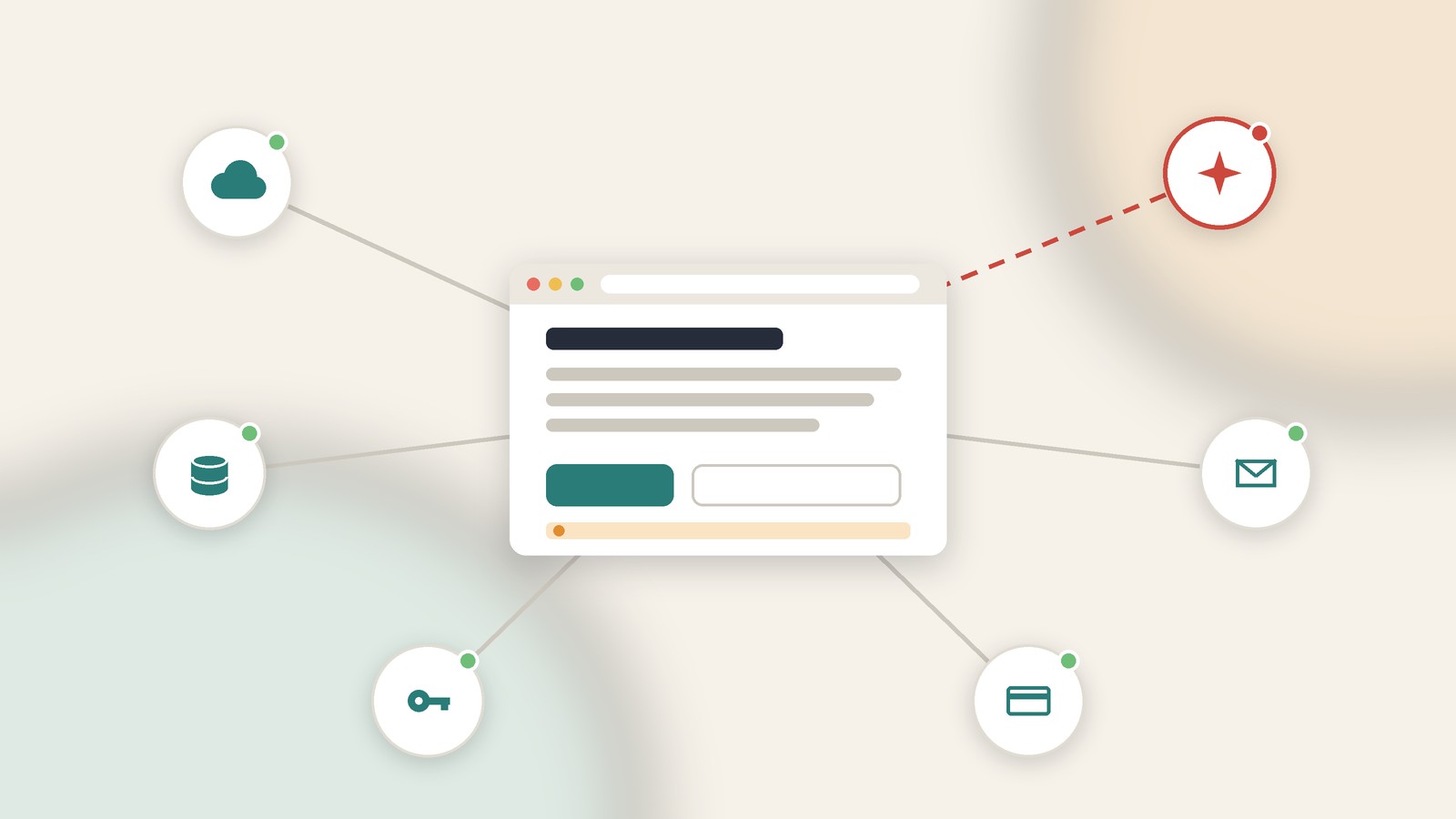
Open a text file and list every external service a request touches between a visitor typing your URL and seeing something useful. For a typical vibe-coded app the list runs something like this: domain registrar and DNS, the host (Vercel, Netlify, Cloudflare), database and auth (often both Supabase), the AI provider, transactional email, payments, analytics, and whatever font or script CDN the template pulled in.
Next to each one, write what a user sees when it's down. Not what should happen. What actually happens. If you can't answer for some of them, that's exactly what the exercise is for.
You won't fix everything, and you shouldn't try. Multi-region failover is not a sensible use of a solo developer's launch week. But a few failures are cheap to make survivable, and they happen to be the ones that turn an upstream blip into "your site is broken" replies under your launch post.
Make the AI call fail politely
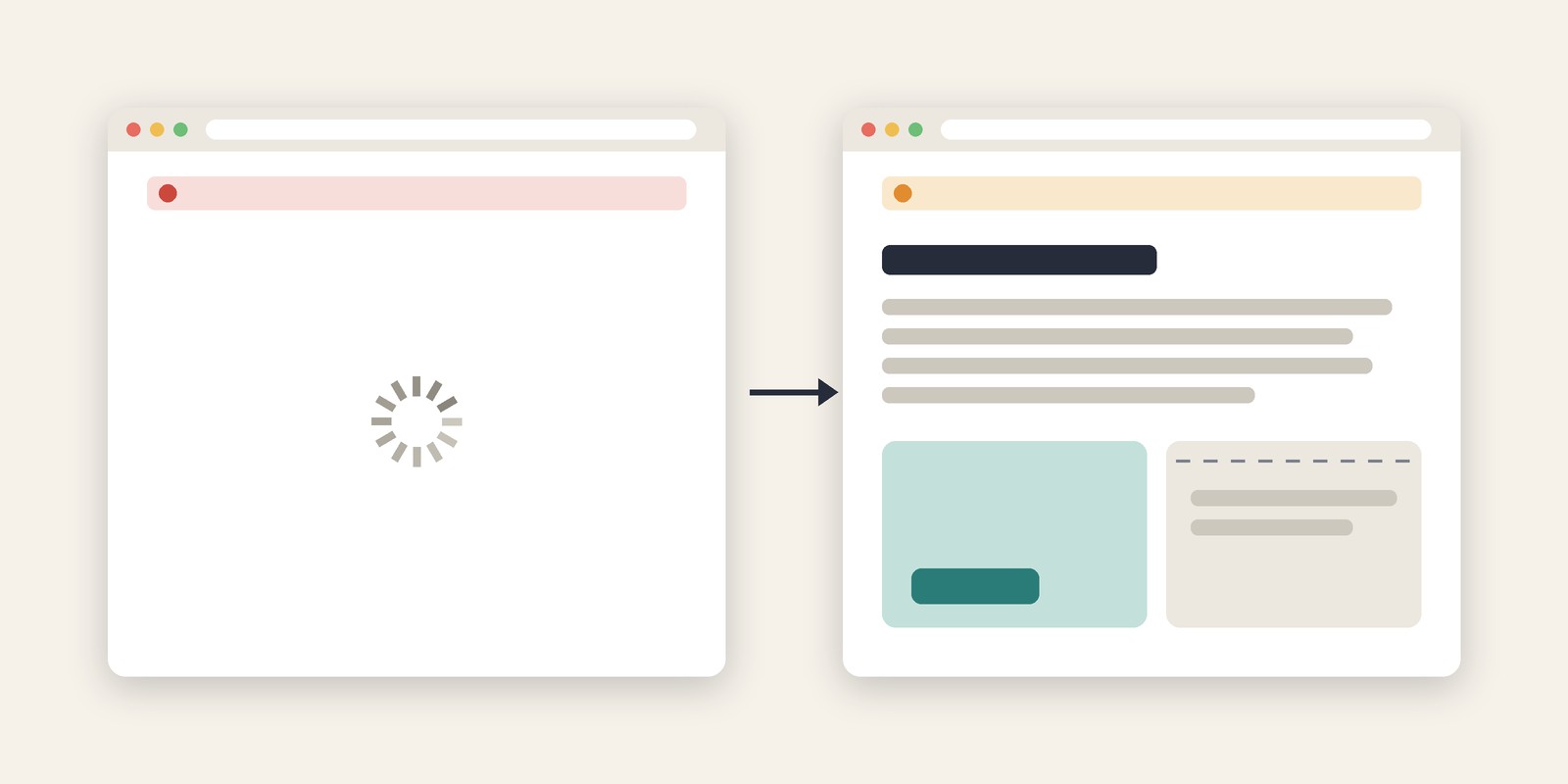
Generated code usually handles the happy path and stops there. The page calls the model, waits, and if the call errors, the component throws and the user gets a blank screen or a spinner that never ends. During an incident like the one on November 13, that blank screen is your whole product.
Three changes, in order of value.
Put a timeout on the call. A degraded upstream often doesn't fail fast. It hangs, and your serverless function sits there until the platform kills it. In a route handler or any server code that uses fetch:
const res = await fetch(upstreamUrl, {
  method: "POST",
  headers,
  body: JSON.stringify(payload),
  signal: AbortSignal.timeout(20_000),
});
AbortSignal.timeout is a standard web API (MDN). If you use a provider SDK instead, read its timeout and retry options rather than assuming the defaults suit a request a person is waiting on.
Catch the error and return a deliberate status. A 503 with a short JSON body your frontend knows how to read beats an unhandled exception that surfaces as a generic 500.
Render the rest of the page anyway. The AI panel can say generation is unavailable and to try again in a few minutes, while navigation, the account page, pricing and docs keep working. You can ask your coding assistant for exactly that: "If the AI request fails or times out, show an inline message in that component and keep the rest of the page usable."
If the AI feature is the only thing your app does, at least keep the user's input in localStorage so they don't have to retype a long prompt once the provider recovers.
Don't give users only one door
If your only login is Sign in with Apple, or only Google, or only a magic link sent through one email provider, then that provider's bad afternoon is yours too. Adding a second method is usually a dashboard setting plus one more form in Supabase Auth or Clerk, and it's the cheapest resilience upgrade on this list. Anthropic's November 17 note shows the payoff: the broken path was one of three, and the other two kept working.
The same thinking applies to password resets. If they depend on one transactional email service, know where you'd look when reset emails stop arriving.
Break it yourself before launch
You don't need chaos engineering. You need Chrome DevTools. Open your production site, go to the Network panel, right-click a request to your AI provider, database or auth domain, and block that domain (DevTools docs). Reload. Now you know what your users saw last Friday.
Repeat for each dependency on your list. Pay most attention to the landing page and the pricing page. Those should render even when your whole backend is down, because they're what people open from your launch post. If your homepage is a client-rendered app that fetches user data before it paints anything, a database outage takes your marketing page down with it.
Decide in advance how you'll say "we know"
When something you depend on breaks during launch week, silence costs more than the outage itself. You don't need a status page product. You need two decisions made ahead of time.
First, where you'll post updates. Usually that's the same X or Bluesky account you launch from, linked in your site footer.
Second, a check that tells you before your users do. Whatever uptime monitor you pick, point it at an endpoint that touches the database, not at a static homepage that will happily return 200 while signups fail. A minimal health route reads one row and returns 200 or 503. Check it from a terminal:
curl -s -o /dev/null -w "%{http_code} %{time_total}s\n" https://yourapp.com/api/health
Don't deploy on launch day
Apple Scoop's write-up of the week makes a point worth taking personally: at least four of those incidents began with work on live systems. A months-old bug met heavy traffic at Microsoft, a network upgrade went wrong at the FAA, a disaster-recovery test misfired at Workday, and a software fault hit Chase. Apple, a day later, blamed an internal update. These are companies with change-management processes. You have a deploy button and a deadline.
Freeze the code the day before. If you have to ship a fix, find your host's rollback before you need it. Vercel calls it Instant Rollback, and Netlify lets you publish an earlier deploy. Click through it once on a quiet day, so you aren't reading docs while your launch thread fills up with screenshots of an error page.
Where MySiteSure fits, and where it doesn't
MySiteSure is a point-in-time check, not an uptime monitor, and it won't page you at 3 a.m. It scores a site you own across reliability, security, performance, SEO and trust, using evidence from Lighthouse, DNS, TLS, security headers, metadata, robots.txt, sitemap.xml and related checks, and each finding comes with a fix brief you can paste into your coding assistant. That covers the part of launch readiness a stranger can see from outside. The dependency exercise above is the other part, and no external scanner can do it for you, because it lives in your code.
The features page lists what the check covers, and pricing shows what the free plan includes.